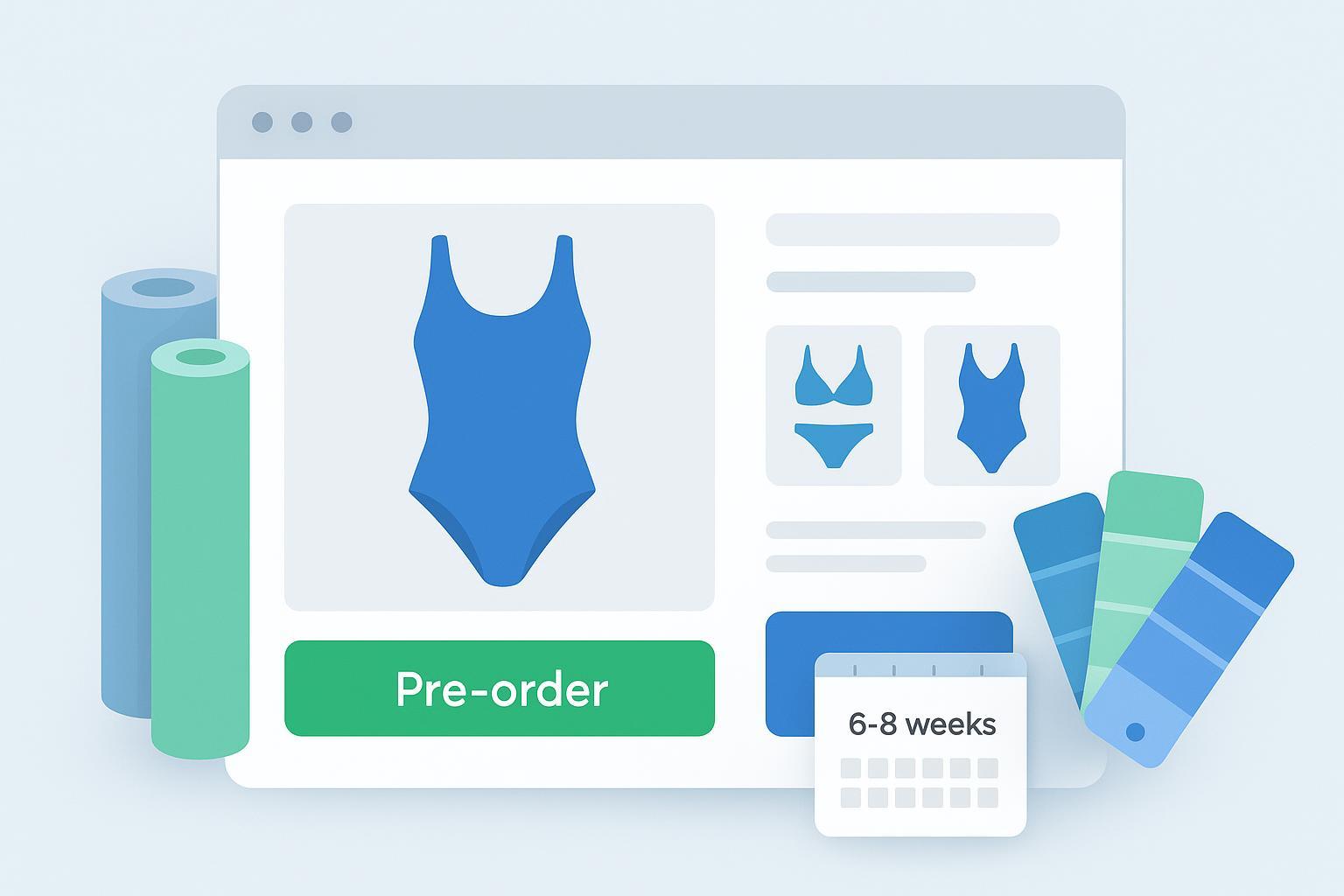
Launching a swimwear line shouldn’t mean draining your cash on sizes and colors that may never sell. If you’re working with tight budgets, the fastest way to de-risk is simple: sell first, make second. This guide walks you through a practical pre-order play and a sensible micro-batch plan so you can validate demand, control MOQs, and keep cash free for what actually moves.
Note: The compliance guidance here is practical help, not legal advice. Always confirm the current statutory text and seek counsel for your markets.
Pre-order strategy for swimwear brands explained
At a high level, you’re choosing how and when to take payment relative to shipment. Three workable models:
Pay now: capture funds at checkout and ship later. Straightforward cash flow, but you must ship by the promised window and manage expectations carefully.
Delayed capture: authorize the card at checkout and capture closer to ship. Lowers refund friction if plans change, but authorizations often expire within days—plan reauthorization or use stored-credential flows.
Deposit: take a partial payment now, collect the balance on ship. Customers feel safer; you protect against no-shows with a smaller upfront charge.
Guardrails you should bake in from day one:
In the United States, align promises and delay notices with the FTC’s Mail, Internet, or Telephone Order Rule (MITOR). You need a reasonable basis for your stated ship window, send timely delay notices with consent-or-cancel options, and issue prompt refunds when you can’t meet obligations. See the eCFR’s current text of Mail, Internet, or Telephone Order Merchandise Rule, 16 CFR Part 435 and the FTC’s consumer explainer on delivery rights for plain-language expectations (FTC consumer alert, 2024).
In the UK, distance sales require clear pre-contract information and a cooling-off right; don’t use pre-ticked extras. See the Which? overview of the UK Consumer Contracts Regulations and related GOV.UK guidance linked there.
In the EU, the Consumer Rights Directive expects delivery within the agreed timeframe and supports a 14-day right of withdrawal. Read the European Commission summary of the Consumer Rights Directive.
Payments reality check: Typical card preauthorizations don’t last long enough for most pre-orders. Stripe notes 5–7 days are typical, with some extended options up to roughly 30 days depending on issuer and flow. Review Stripe’s explainer on how long preauthorization holds last. If your promise window is weeks, prefer deposit or true charge-on-ship flows rather than betting on long holds.
Rule of thumb you can trust: If your ship promise is beyond two weeks, avoid relying on a single initial authorization. Use a deposit or a compliant stored-credential, charge-on-ship model with clear disclosures and automated reminders.
Step-by-step Shopify setup that protects your cash
Here’s a compact SOP you can run on a standard Shopify stack without custom development.
Configure your product for pre-order
Set inventory to 0 with “Continue selling when out of stock,” or use a pre-order app that adds a dedicated button and caps. Shopify’s current guidance outlines approaches and app patterns in its Shopify pre-orders blog overview.
Choose the payment model in your app
Require full pay, delayed capture with compliant stored credentials, or a deposit. Make sure the app supports inventory caps, a visible ship window, and an automatic pause when you hit the cap.
Write transparent disclosures
On the product page, cart, and checkout, state that this is a pre-order, the estimated ship window (e.g., “Ships between May 10–24”), how delays are handled, and how refunds/cancellations work. These align with MITOR, CCR, and CRD principles and build trust.
Test the full flow
Place a test order, verify charges, simulate a delay, process a cancellation, and send a partial refund. Confirm email/SMS sequences fire as expected (order confirmation, mid-cycle production update, delay notice with consent-or-cancel options, shipping confirmation).
Set a delay-notice SLA
Internally, set a deadline 3–5 business days before your latest promise date to trigger a delay notice if needed. Offer keep-waiting with a new date or immediate cancellation with a refund.
Tip: For delayed-capture models, revisit your capture timing weekly and reauthorize if holds near expiry. Stripe’s article on payment capture timing strategies is a practical primer.
Micro-batch recipe for your first drop
Keep complexity low so you don’t drown in variants. A practical starting point is one core block in two colorways, or two blocks in one colorway. For swim, that might be: one bikini set and one one-piece, each in black; or one block in black and one seasonal color.
Size curve starter: XS–XL with a conservative ratio (e.g., XS 1, S 2, M 3, L 2, XL 1). Use pre-order demand to rebalance. If M and L account for 70% of reservations, tilt your micro-batch accordingly.
MOQ tactics that actually work:
Consolidate fabrics across styles so you’re buying larger continuous yardage of one base fabric.
Standardize hardware finishes to avoid bespoke lead times; reserve custom finishes for later.
Batch digital prints in one run if you’re offering a print colorway; small-lot digital printing keeps MOQs sane.
As you gauge velocity, set a replenishment trigger: when 60–80% of the micro-batch is sold with at least two weeks of season left, kick off the next cut. Shopify’s apparel inventory guides emphasize variant-level tracking and sell-through analytics; use those to time reorders.
If you’re exploring low-MOQ options and how they shape micro-batches, this primer on best low-MOQ swimwear manufacturers for startups summarizes common structures and trade-offs.
Cash-flow math you can run today
Here’s a lightweight waterfall for a 120-unit first micro-batch at a $60 average selling price (ASP). Adjust the assumptions to your reality.
Item | Assumption | Cash Timing |
|---|---|---|
Pre-order revenue (deposit at 30%) | 120 × $60 × 30% = $2,160 | Immediately |
Materials and labor (COGS) | $22/unit × 120 = $2,640 | Before production |
Printing and trims | $2/unit × 120 = $240 | Before production |
Sample fees (credit later if applicable) | $200 | Before production |
Freight and duties | $1.50/unit × 120 = $180 | After production |
Packaging and labels | $0.75/unit × 120 = $90 | After production |
Payment fees | 3% of gross ($60 × 120) = $216 | On capture(s) |
Refund reserve | 5% of gross = $360 | Held until shipment window ends |
Remaining balance on ship (70%) | 120 × $60 × 70% = $5,040 | On shipment |
What this says:
A 30% deposit almost covers development and a portion of production inputs. If deposits fall short of COGS, reduce options, raise the deposit slightly, or push your promise window a bit later to add selling days.
If you run delayed-capture instead: ensure your cash plan assumes zero funds until you’re ready to ship, and confirm your ability to reauthorize cards or request a fresh charge when capture day arrives.
QA and sampling guardrails to prevent returns
The cheapest return is the one you never create. Before you open pre-orders, put product risk through a short but real gauntlet:
Fit cohort: Test on 5–10 diverse bodies. Watch for gaping at necklines, strap slip under movement, elastic tension, and coverage in active poses.
Wear tests: Expose fabric to chlorine, salt, UV, and home wash; check colorfastness and pilling.
Gold sample: Lock the final approved sample with signed measurements and construction notes. Any future change needs explicit approval.
If you want a sense of realistic sampling windows to plug into your promise math, review the sampling timeline on TideLine’s Sampling page, which outlines typical prototype ranges for swim.
Example timeline for a six to eight week promise window
Think of your first drop like a rolling train schedule: accepting tickets while the train is being assembled—confidently, because the stations and timings are clear.
A neutral, replicable setup many founders use looks like this:
Week 0–2: Pre-order window opens. Product page shows “Ships between Week 6–8.” Capture a 30% deposit. Collect size and color data in real time to finalize your size curve.
Week 2–3: Close the window, lock your PO, and buy materials. Issue the delay-notice SLA internally for Week 7 in case anything slips.
Week 3–6: Cut-and-sew production. Plan mid-cycle update emails with a behind-the-scenes photo and a reminder of the ship window.
Week 6–8: Quality check, pack, and ship. Collect the remaining balance for deposit orders two to five days before dispatch.
If you partner with a quick-turn, low-MOQ manufacturer, a 6–8 week promise becomes realistic because sampling and bulk run in compact cycles. For example, the lead-time ranges published on TideLine indicate bulk production turnarounds often fit within 15–25 days, and their sampling guidance helps you plan the earlier stage. Use those public ranges as inputs when you build your calendar—not as guarantees—and always add buffer days for trims and freight.
Contingencies when things go sideways
Two truths: some variants will sell slower than you hoped, and timelines can slip. What matters is how you respond.
If demand underperforms: Shorten options, extend the pre-order window by one week, or switch slow variants to a waitlist. If you can’t justify the run, cancel with a clear note and fast refunds. Point customers to the next drop date to keep interest alive.
If your supplier delays: Send a delay notice before your latest promise date with two choices—keep waiting with a new window or cancel now for a refund. Update your product page banner and FAQs the same day.
If QA fails: Pause captures and shipments. Communicate openly about the defect, expected fix, and revised timing. Offer a refund and a discount on a future order to those who wait.
Use this short email template when timing slips:
Subject: Update on your pre-order — new expected ship window

Hi [First name],

Thanks again for pre-ordering the [Style name]. We’re running a bit behind due to [brief reason]. Your new ship window is [New window, e.g., June 3–10].

Your options:
1) Keep your order — no action needed. We’ll send another update next week.
2) Prefer to cancel now? Reply to this email and we’ll process a full refund within 1–2 business days.

We appreciate your patience. If you have questions, just hit reply.

— [Brand]
What to do next
Choose your payment model based on your promise window: deposit or true charge-on-ship for anything beyond two weeks.
Draft your disclosures and email templates, then run a full test order including a simulated delay and refund.
Plan a single micro-batch with a tight size curve and two colorways. Set a replenishment trigger and hold yourself to it.
Add a realistic buffer to the calendar you promise customers, and review it weekly.
If you’re mapping a first drop now, you can plug public sampling and production ranges from TideLine’s pages into your timeline and compare them with any other partner you’re evaluating. That keeps the process grounded in real-world windows while you validate demand before you spend.